
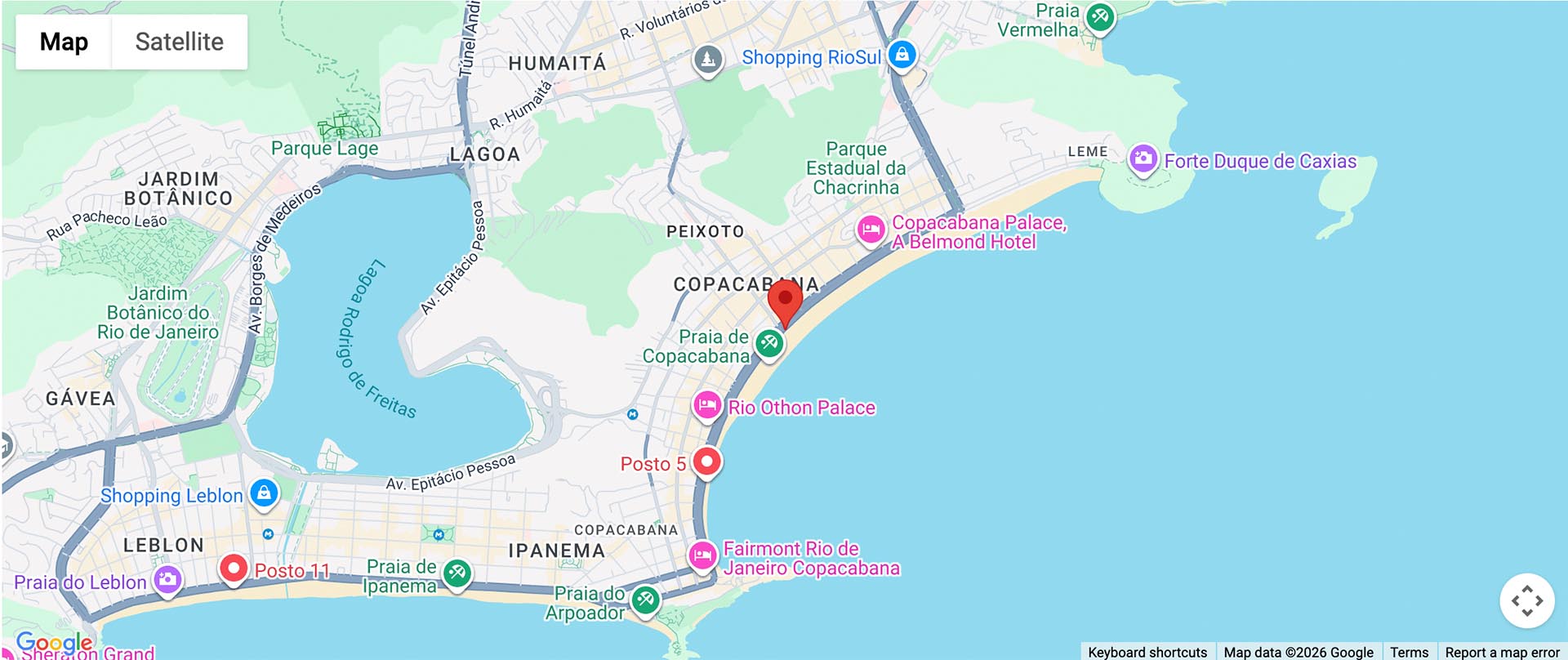

Bring powerful, interactive maps directly into your content with HotBlocks Maps—a modern WordPress maps block plugin designed for flexibility, performance, and ease of use. Simply enter an address or descriptive location like “Copacabana Beach Rio”, and HotBlocks Maps instantly resolves it into an interactive map. No technical setup required—just type, click, and display.
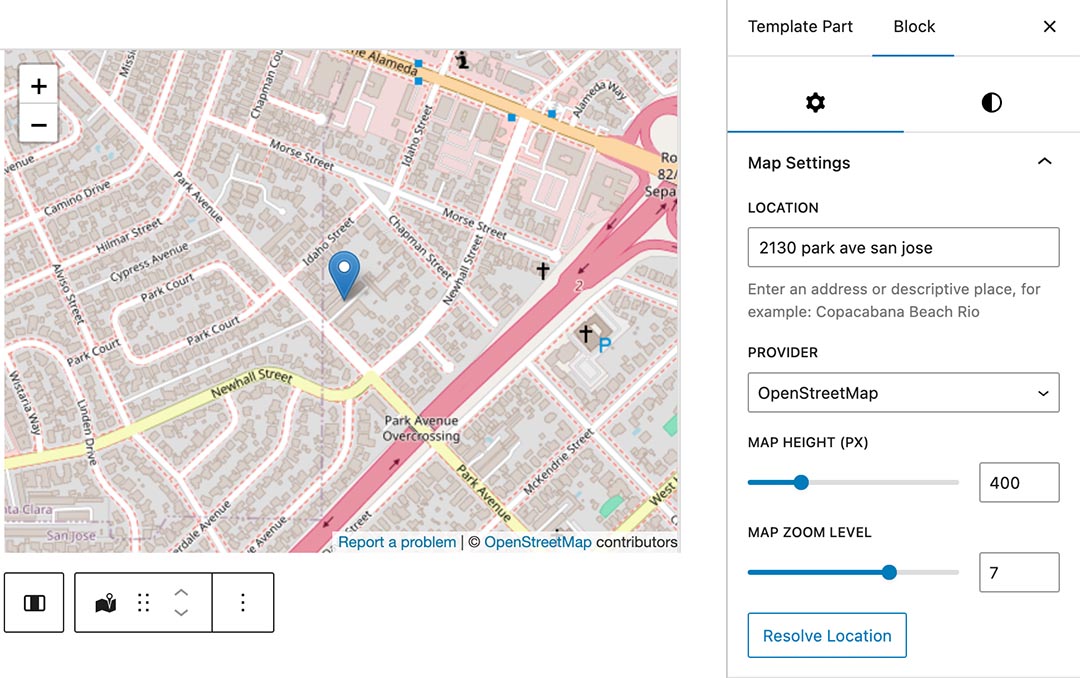
The maps block plugin HotBlocks Maps is perfect for business websites displaying locations, travel blogs and guides, real estate listings, event pages and directions, and any content where location matters.
Maps Block Plugin Showcase Any Location with Ease
Select between two powerful providers:
- Google Maps – rich, interactive maps with optional satellite view
- OpenStreetMap – fast, lightweight, and key-free maps
This flexibility lets you balance features, performance, and project requirements effortlessly. Customize your map directly in the block sidebar:
- Location input (address or free text)
- Map height control
- Zoom level (1–10)
- Satellite mode (Google Maps)
- Instant location resolving
Once the location is resolved, the editor shows the real map preview, so you see exactly what your visitors will see—no guesswork.
Built for Modern WordPress
HotBlocks Maps is built using the latest block development standards, such as dynamic rendering for optimal performance, and a lightweight frontend—no unnecessary scripts. It seamlessly integrates with the block editor, and it's fully responsive on all devices.
In order to use the Google Maps mode, you will need an API key from Google (this is Google's requirement). Add your Google Maps API key once in the plugin settings, and you’re ready to go. The plugin follows best practices for secure and efficient API usage while keeping your workflow simple.