

- Posts: 25
- Thank you received: 0
Logo size


2 years 6 months ago #50848
by milos
Hello,
The height of the header is determined by the height of the logo and the menu items.
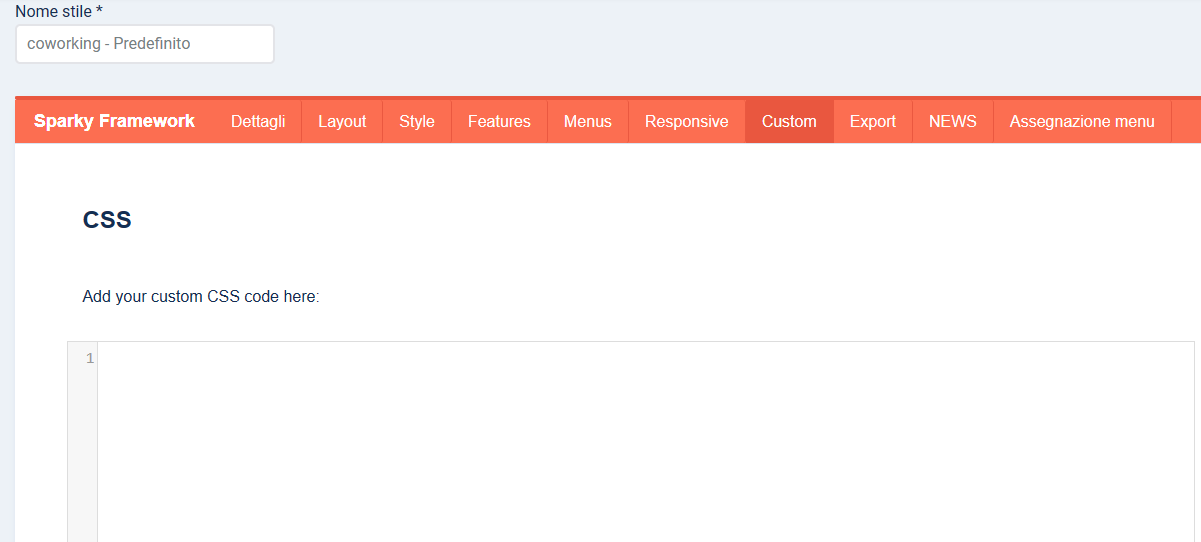
If you are using the logo image and you want to change its size from CSS, you can add this:
Change the width and height as you wish.
More info: www.hotjoomlatemplates.com/sparky-docume...on/features/branding
The menu items' height can be set in the template options, under the Menus tab (drop-down menu).
More info: www.hotjoomlatemplates.com/sparky-docume...menus/drop-down-menu
Regards,
Milos
The height of the header is determined by the height of the logo and the menu items.
If you are using the logo image and you want to change its size from CSS, you can add this:
Code:
.sparky_logo_image img {
width: 300px;
height: 150px;
}
Change the width and height as you wish.
More info: www.hotjoomlatemplates.com/sparky-docume...on/features/branding
The menu items' height can be set in the template options, under the Menus tab (drop-down menu).
More info: www.hotjoomlatemplates.com/sparky-docume...menus/drop-down-menu
Regards,
Milos
Please Log in to join the conversation.

Time to create page: 0.166 seconds