
Website Installation — Blog (continued at 10?start=10)
- Details
- Written by: Milos Stankovic
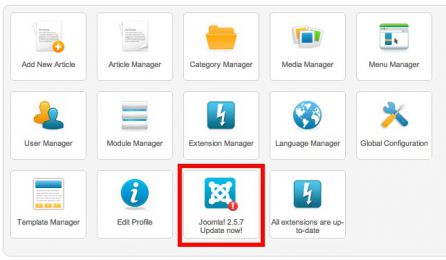
One of the coolest new features of Joomla 2.5 is the possibility of the automatic one-click updates. It's not necessary to download and upload the patches by FTP anymore. The update process is completely automatic now. But, not always completely problems free.
- Details
- Written by: Milos Stankovic
Before you start, please keep in mind that HotStart is a new Joomla installation. Don't try to install it into your existing Joomla. After you accomplish this process, you would get a new Joomla with the Hot Relief template preinstalled. Basically, HotStart is like ordinary Joomla installation, but the SQL file with sample data is modified so it included the demo data that you can see on our Hot Relief demo.
- Details
- Written by: Milos Stankovic
When installing Joomla, the installer script asked you to select a language. The English language was selected by default. But you remember well that you selected your native language. However, when you opened the Joomla backend, everything is still in English.
- Details
- Written by: Milos Stankovic
Joomla users with fair knowledge of HTML know that Joomla editors (such as TinyMCE) sometimes can cut off a part(s) of their HTML code. How to fix this? There are different solutions for Joomla 1.5 and newer Joomla 1.6 and 1.7.
- Details
- Written by: Milos Stankovic
All our templates and extensions are available for Joomla 1.6. Since Joomla 1.6 and 1.7 have the same format of files, upgrading from 1.6 to 1.7 is quite easy.
- Details
- Written by: Milos Stankovic
How to install free Joomla template Hot Relief. This tutorial covers installation of template for Joomla 1.6.
- Details
- Written by: Milos Stankovic
How to install free Joomla template HOT Relief. This tutorial covers installation of template for Joomla 1.5.
- Details
- Written by: Milos Stankovic
This tutorial will explain you how to import complete Joomla database from one site to another, using SQL dump file and phpMyAdmin software installed on your server. This is useful if you need to duplicate existing Joomla site. It will save you a lot of work.
- Details
- Written by: Milos Stankovic
In HotStart installation instructions, you will read "unzip and upload". When we tell you to upload, we are not telling you to randomly upload HotStart files anywhere on your server. Please upload to an empty directory that is accessible via web browser (it's usually inside public_html or httpdocs directory)! Not all directories of your hosting space are accessible via web browser.
- Details
- Written by: Milos Stankovic

Are you started to panic? You're thinking: "They took my money for nothing!" No. We didn't! Although there are many places on the Internet where you can give "money for nothing", we are not such kind of guys. Let's start panicking, and let's better analyze the situation.
- Details
- Written by: Milos Stankovic
If you are about to install any of our template that supports VirtueMart using HotStart installation method (to copy all demo data), you must finish one more step in order to make VirtueMart component functional on your server.
- Details
- Written by: Milos Stankovic
Once you finish this installation method, you should get exactly the same copy of template demo (as seen on our site) on your server. Let's start!
- Details
- Written by: Milos Stankovic
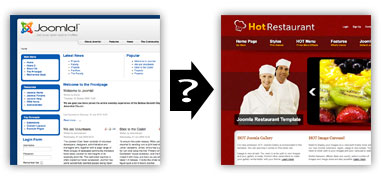
Is it easy to change Joomla template of an existing website? Will the website be offline for a long time during this operation? These questions are often asked in the Joomla world. People not proficient with Joomla usually think that the template will be changed with a single click. This is actually true. Your template will be changed in a second, but there's a big chance that your website will be messed up after that.
- Details
- Written by: Milos Stankovic
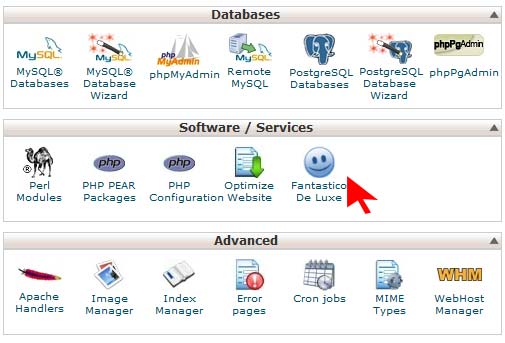
If you have hosting managed by cPanel software, there's a way to install Joomla quickly for your hosting account. We will explain this procedure here in all possible details.
- Details
- Written by: Milos Stankovic
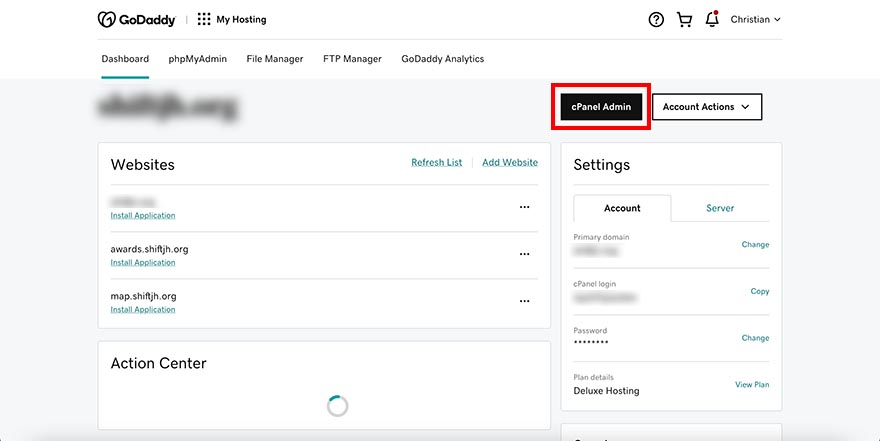
GoDaddy.com is #1 domain registrar and one of the most popular web hosting providers worldwide. Their prices are very competitive and you don't have to sign up for long-term contracts. We experimented with this hosting provider for some time. Based on our experiences, we can say that GoDaddy Linux hosting packages are 100% compatible with Joomla. GoDaddy also has a way to install Joomla quickly for your hosting account. We will explain the procedure here in all possible details.
- Details
- Written by: Milos Stankovic
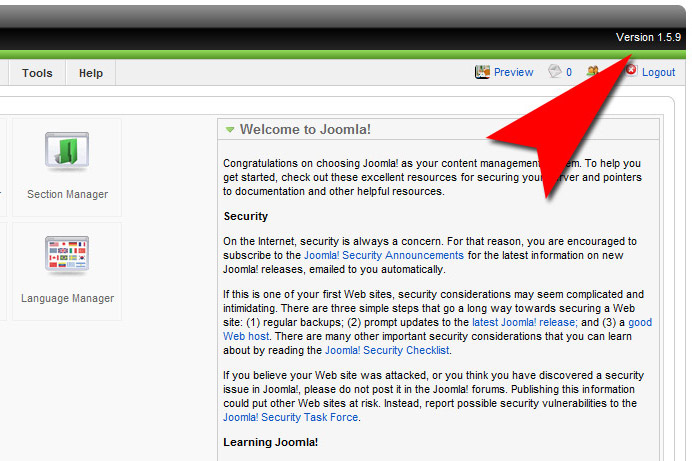
Let's imagine this situation. When you installed Joomla for your website, you used the latest stable version of Joomla (in example 1.5.9). You developed your website and you are happy with it. However, in just a few months, several new versions of Joomla are released. The current version is, in example 1.5.14, so your website doesn't have the latest Joomla anymore.
- Details
- Written by: Milos Stankovic
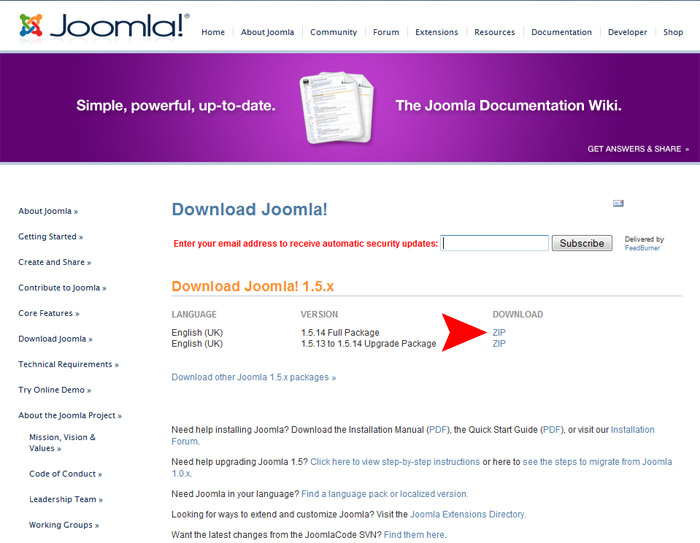
In the previous chapter, you have installed the Apache web server enabled with PHP and MySQL on your local computer. You don't need the web hosting account to test Joomla anymore. Now, you can install Joomla and run it locally. In this chapter, we will explain how to install Joomla, step by step.
- Details
- Written by: Milos Stankovic
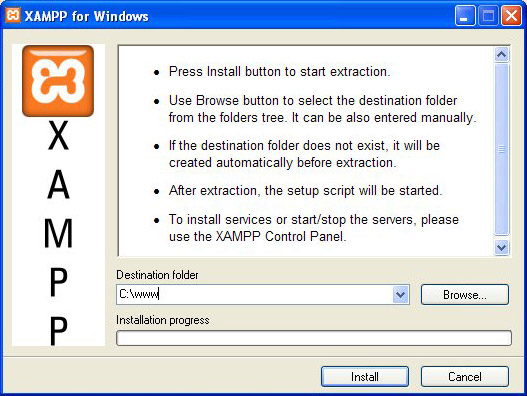
In the first chapter of our series of Joomla tutorials, we will cover the installation of a web server software on your local computer. To run Joomla, we need a web server enabled with PHP and MySQL database. Most of you have the PC computers with Windows XP or Vista. Therefore, with your operating system alone, you don't have what's necessary to run Joomla locally.
Blog Categories
Recent Posts
- Sparky Page Builder v1.4 Released with New Features
- Proof of Work Captcha Added to Joomla 6.1
- Enabling the Backward Compatibility Plugin on a Broken Joomla Website
- How to Upgrade from Joomla 5 to Joomla 6
- What's New in Joomla 6.0
- Enabling Breadcrumbs in Joomla
- Joomla Backward Compatibility Plugin Not Necessary Anymore for Our Templates and Plugins
- Installation of Joomla on the Hostinger Hosting
- 3 Joomla Modules Improved and Upgraded
- The Sparky Framework v5.1.0 Released With Locally Hosted Google Fonts