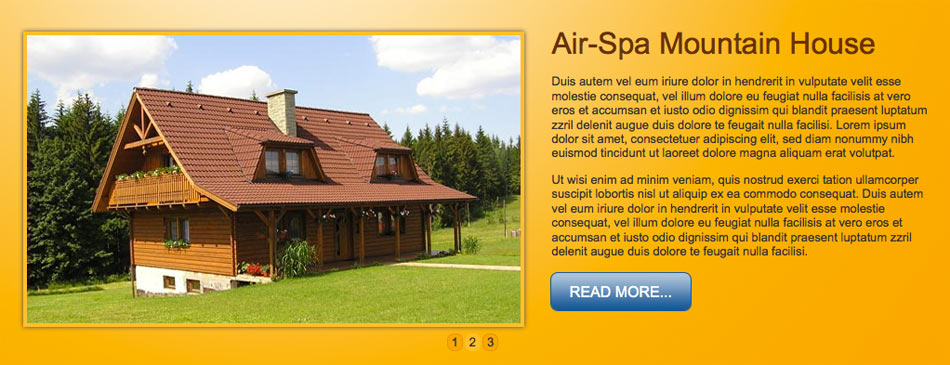
Hot Joomla Carousel Pro is an advanced version of our popular module. Led by the popularity of this module, we created an advanced version of the Joomla article rotator with many new features. In addition to the image rotation mode (now improved), we've added an option for the rotation of articles that the module can take over from sections or categories of your Joomla site. Or you can pick articles of your choice.
This module has several options that allow you to use it in different ways. You can use it as a big article or image rotator on the main page. You can also use a small version that displays only the titles of your articles. Almost every small thing you can imagine is a variable in the module parameters.
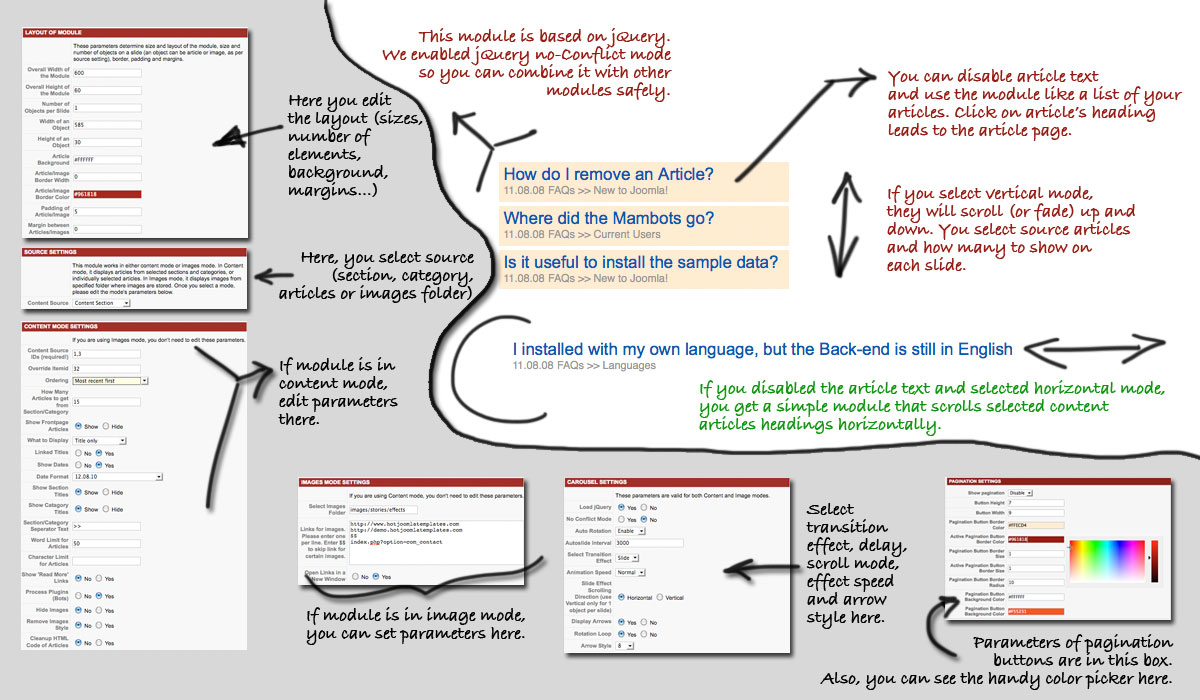
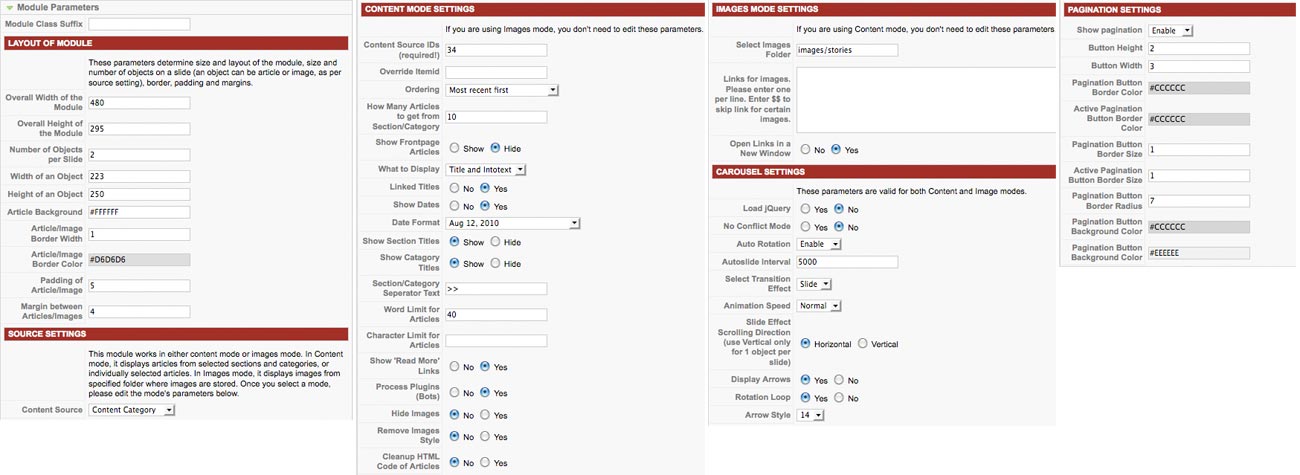
A detailed explanation of each option is in the parameters of the module (Modules > Hot Joomla Carousel Pro) after you move the cursor over the names of options. Choosing a color is performed through easy color picker.
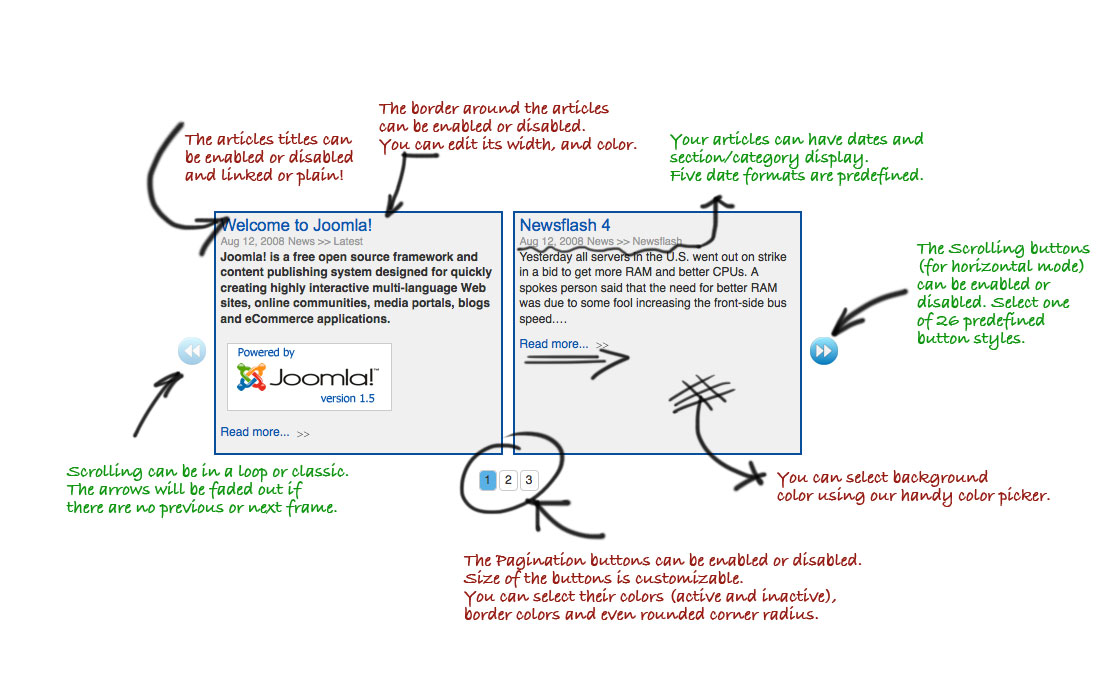
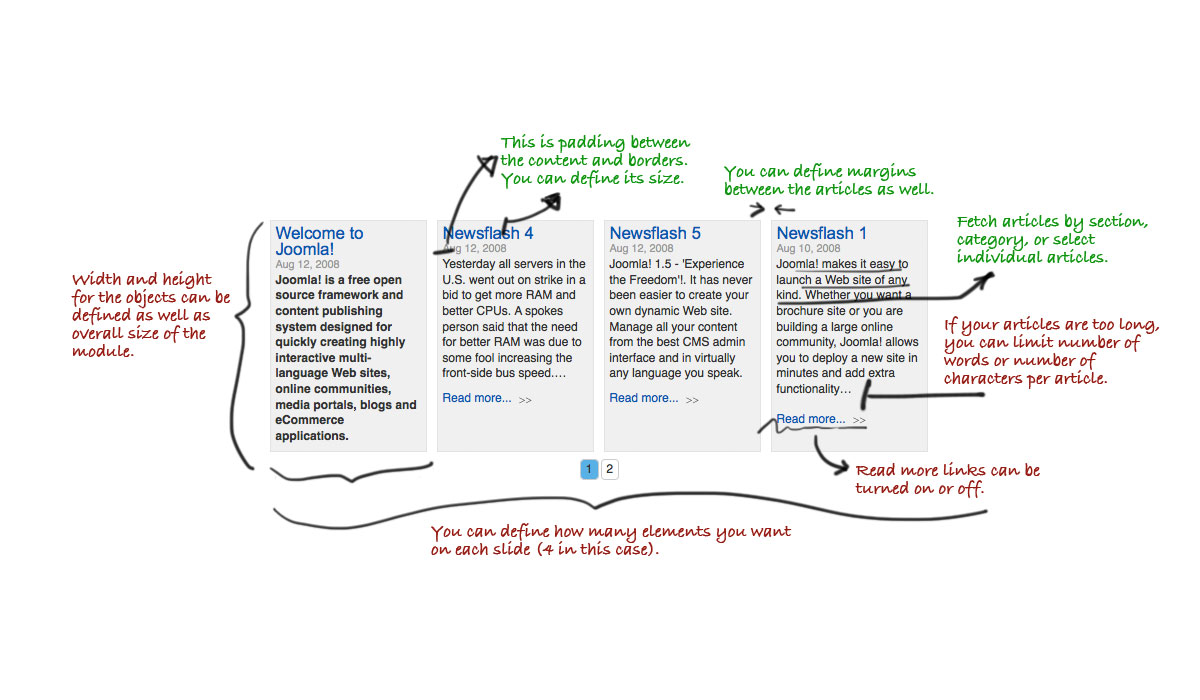
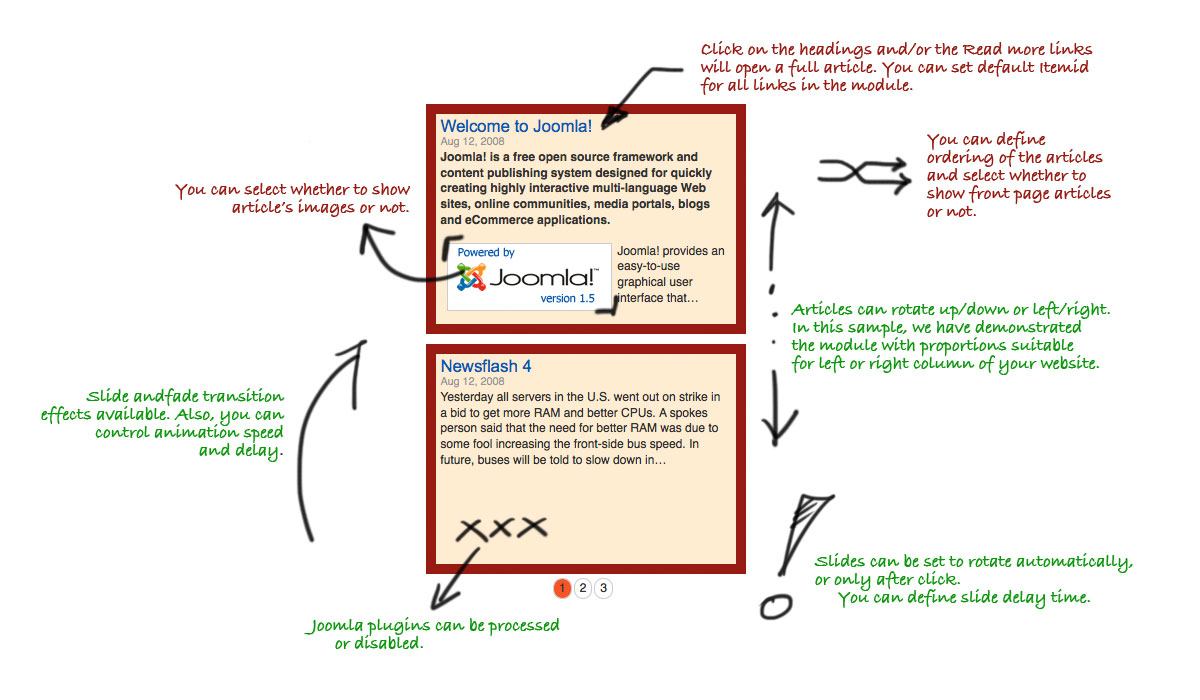
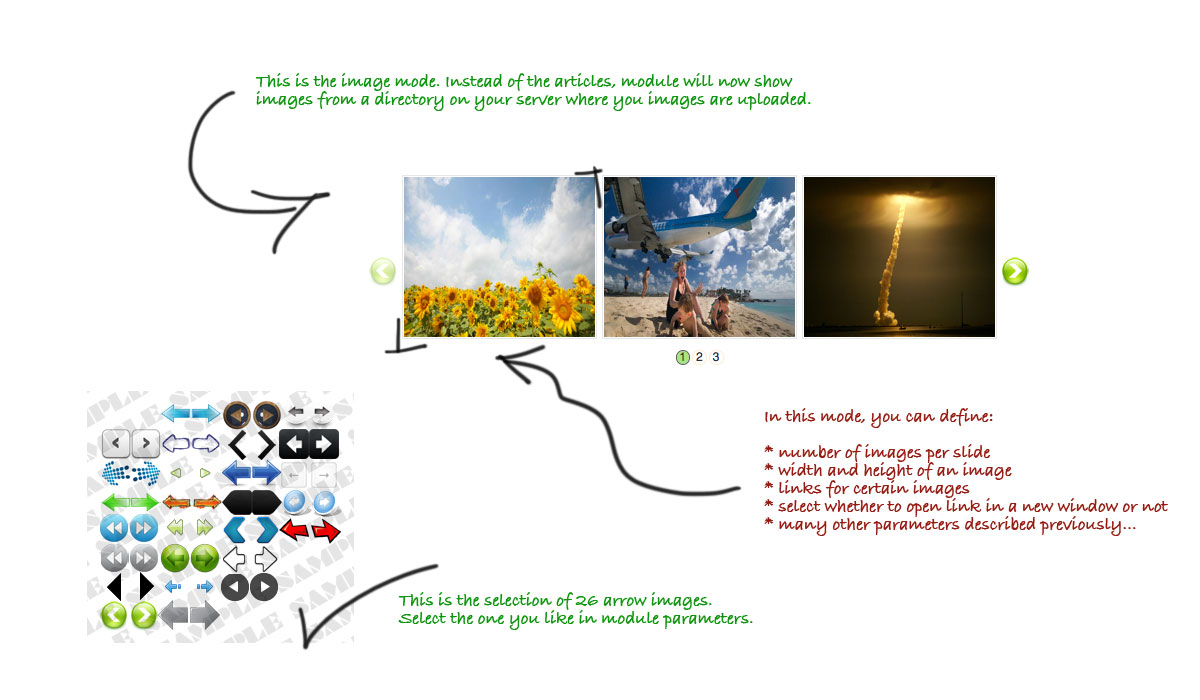
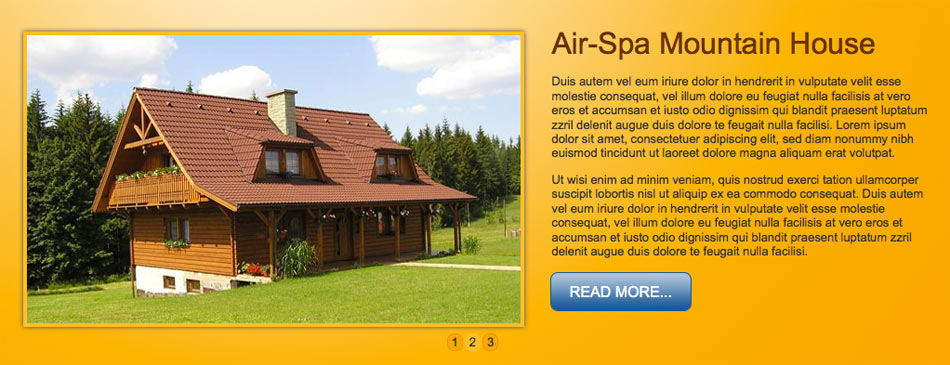
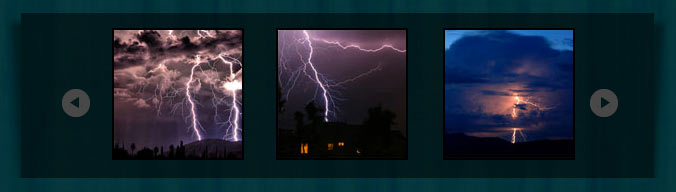
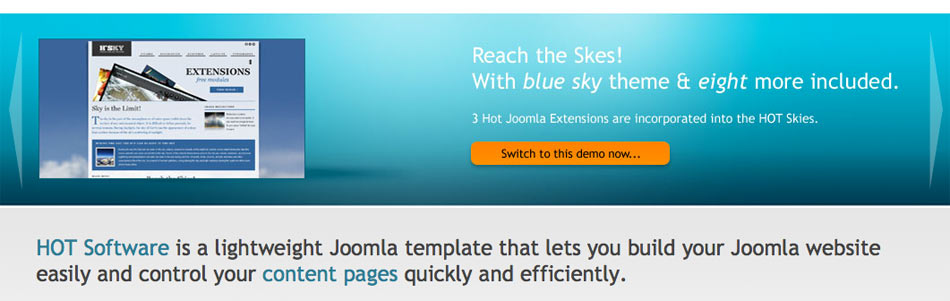
The image says more than 1000 words! Therefore, we prepared infographics below that vividly describe this outstanding module. Please click on the slides to the left to see the larger version.
This module has been tested in Edge, Firefox, Safari, Chrome, and Opera desktop browsers. It's also tested on iOS and Android mobile devices.
Support for WebP images (if your content source is set to "images") was added in module versions 4.0.1 and later.
Since version 3.9.20, the module has been using new advanced JavaScript code. It's faster and better optimized for mobile devices. Now, it's possible to use touch gestures. Navigational dots and arrows are now in SVG format.
Newer versions of the module have two parameters added, suitable for responsive websites. The parameters look very simple, but they change the way this module works completely. If you enable Responsive Mode, then the widths of all rotating articles will be determined according to the available space, not according to the fixed-width parameters given. The second parameter, Minimum Article Width, determines the minimum width of a single article. If there's not enough space to show an entire row of articles, only one article will be shown.