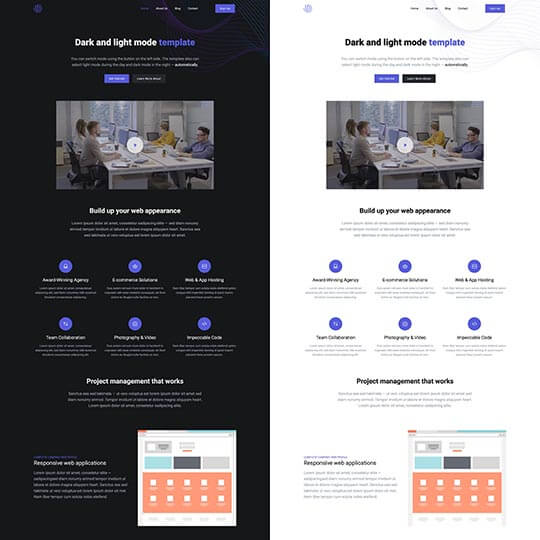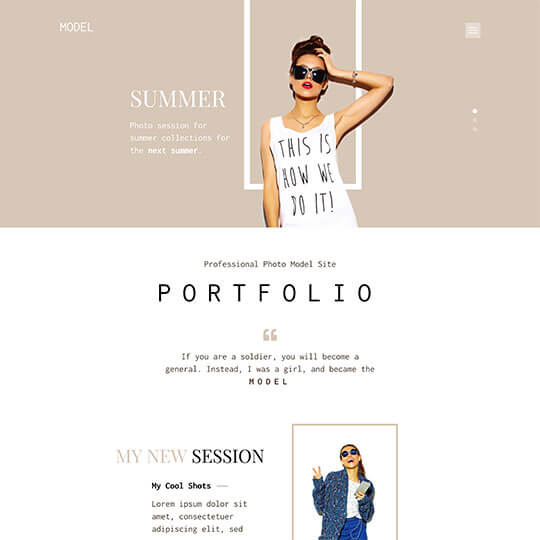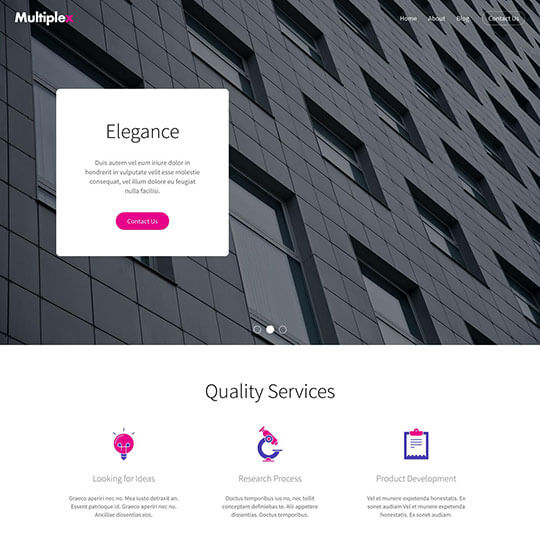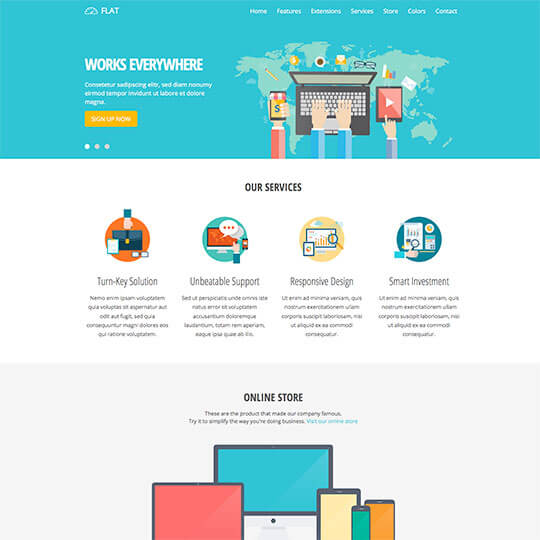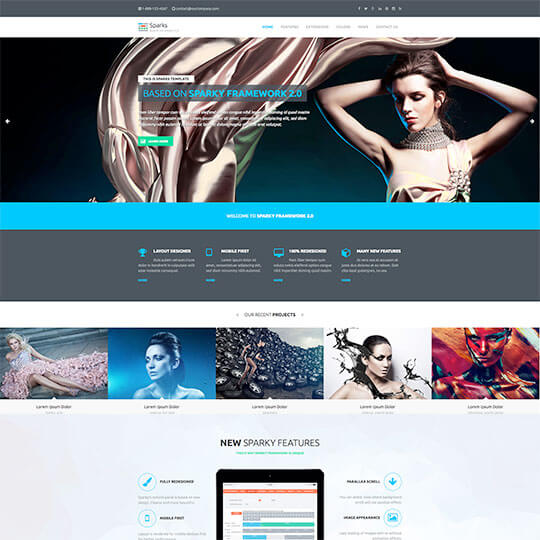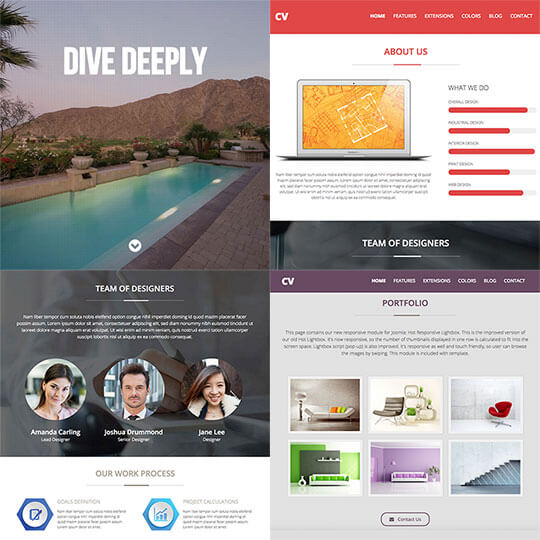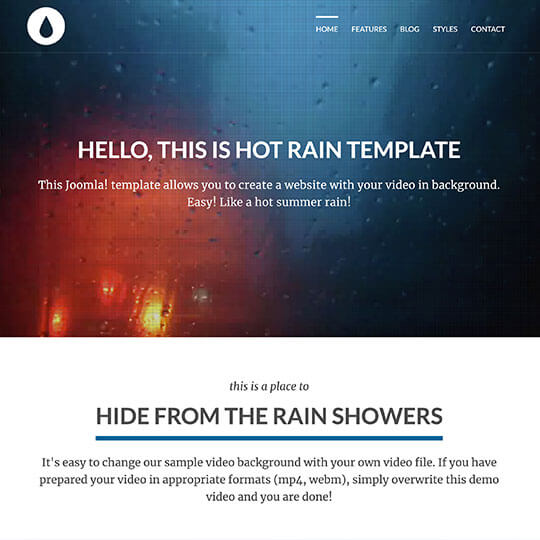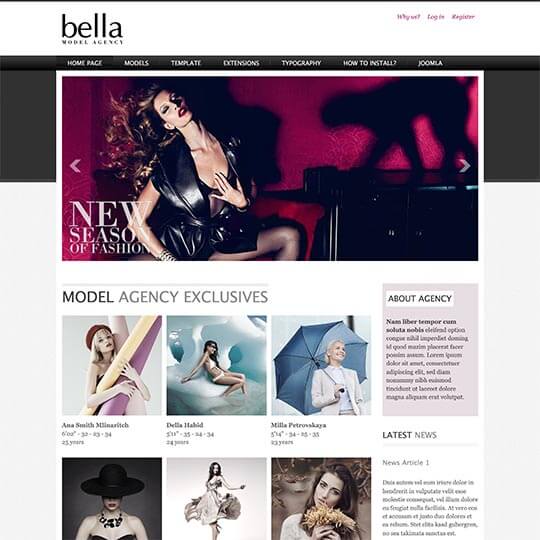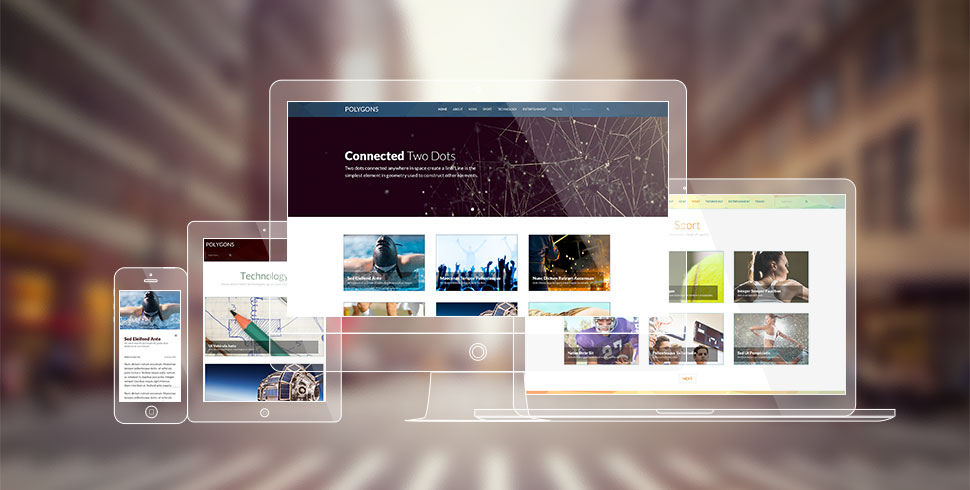

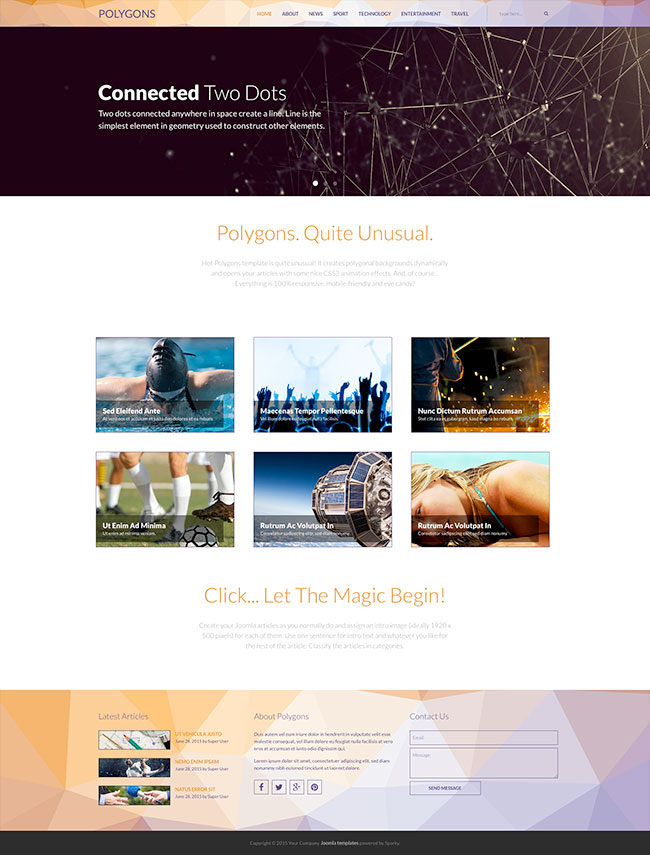
Hot Polygons template is quite unusual! It creates polygonal backgrounds dynamically. Try refreshing our demo several times, and you will see the background is never the same. Furthermore, this is not a bitmap, but a vector image, and it loads blazingly fast!
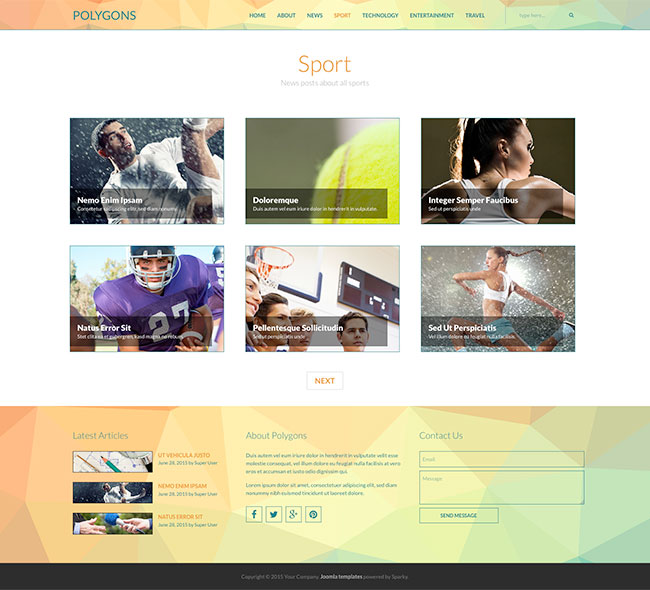
Hot Polygons template opens Joomla articles in overlay with some nice HTML5 and CSS3 animation effects. This is one more outstanding and unusual feature of this template. And, of course... Everything is 100% responsive, mobile-friendly, and eye candy! In this template, you make your Joomla articles as you normally do and assign an intro image (ideally 1920 x 500 pixels) for each of them. Make sure you use just one sentence for the intro text. For the rest of the content in your article, you can do whatever you like for the rest. Your articles can be as long as you need and can contain additional images. You can classify your articles into categories as you normally do in Joomla.
Make sure you visit the live demo of this template because this is the only way to really "feel" how this template works.
Template Screen Shots
Template Key Features
Here's a quick overview of the Polygons template features:
- Responsive template, based on clean HTML5/CSS3 code, and powered by Sparky Framework 2.0 for Joomla.
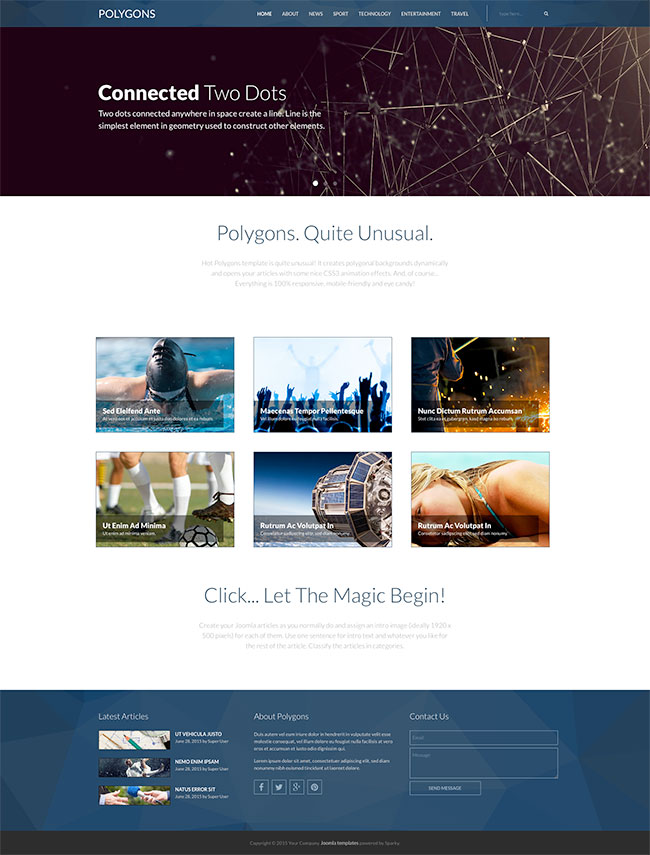
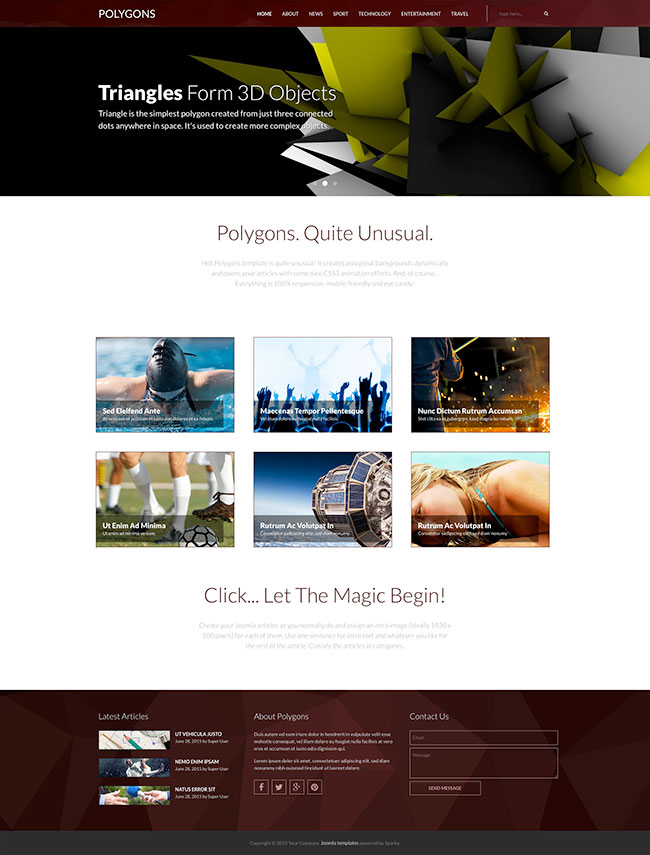
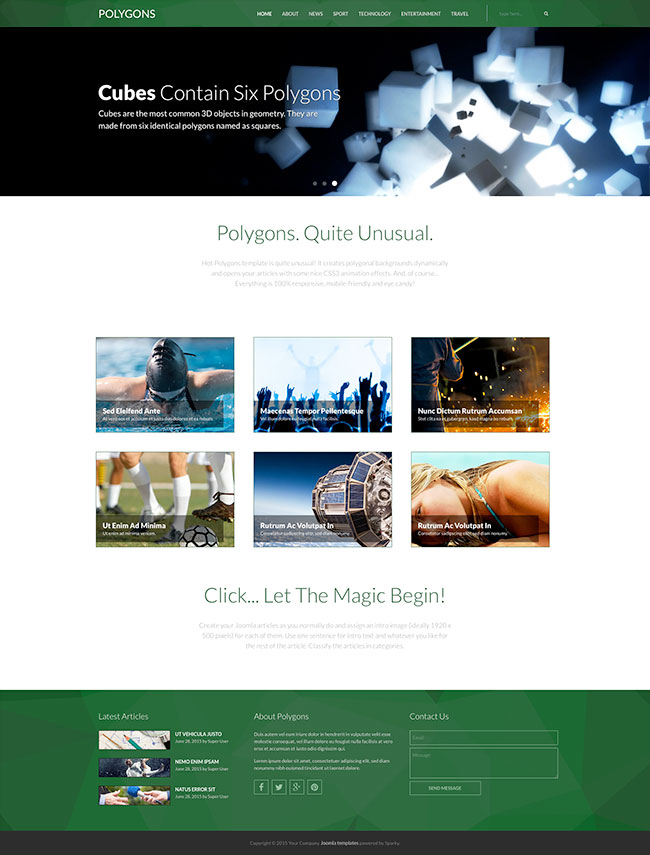
- 5 pre-defined color styles. All colors are easily customizable from the Sparky options (infinite color options).
- Customization of the template's layout and adding/removing module positions is easy. It's powered by Sparky's drag-and-drop Layout Editor. Change the layout and elements' dimensions easily whenever you need.
- We included several responsive Joomla modules with this template: Hot Swipe Carousel (new), Hot Slicebox, Hot Responsive Lightbox and Hot Maps module. Also, the free Rapid Contact module (not our product) is installed and styled for use with this template. All these modules are included with this template without additional fees (you save $19 per commercial module). They are styled and configured for this template.
- HotStart (SQL dump) is available with either a single purchase or a membership plan. It copies the template with all extensions and demo pages easily.
- An unlimited number of module positions can be added easily within the Layout Editor of Sparky Framework, if needed.
- PSD source file and fonts are included.
- Total control of all menus through the framework. You can set the functionality and style of all your menus and drop them directly into the layout. The top menu with drop-down sub-levels is included. The top menu converts to a button for easier navigation on mobile devices.
- This template is tested with Firefox, Chrome, Safari, Opera, and IE9+ browsers. It's also tested on iOS and Android mobile devices (smartphones and tablets).
- Google Mobile-Friendly Test PASSED.
- Support for RTL (right-to-left) languages.
Tips For Using This Template
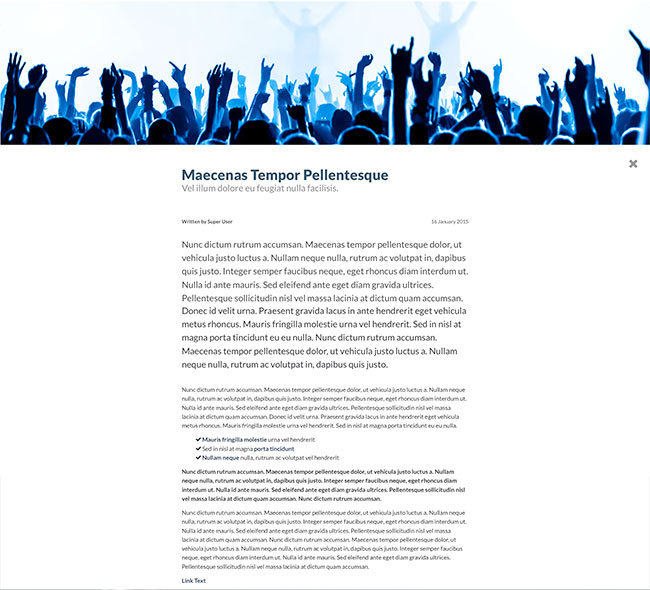
As you can see on our demo, this template opens articles without loading the separate article pages. After clicking on any article image, an overlay mode will be opened, followed by a fancy HTML5 animation. The full article image and text will be displayed here. After the content, you can see a permanent link to the article.
When creating your own articles, please follow these rules to be sure they will look like our demo articles:
- Don't use too long text for intro text (this is text before the "Read More tag). It should be only one sentence there.
- Add a featured image for each article. When you edit an article, switch to the "Images and links" tab and for "Intro image" select an image. It's recommended to use images in a resolution of 1920x500px.
- If you don't select an intro image for any article, the default image will be used. It's located in "images/default.jpg". If you want to change the default image, change this image with an image of your choice (resolution is 1920x500px).