
HotThemes Blog
- Details
- Written by: Milos Stankovic
- Category: News & Tips
Joomla 4.2.0 has been released in August 2022. We wanted to wait for the upgrade of our templates and that was a smart decision.
- Details
- Written by: Milos Stankovic
- Category: News & Tips
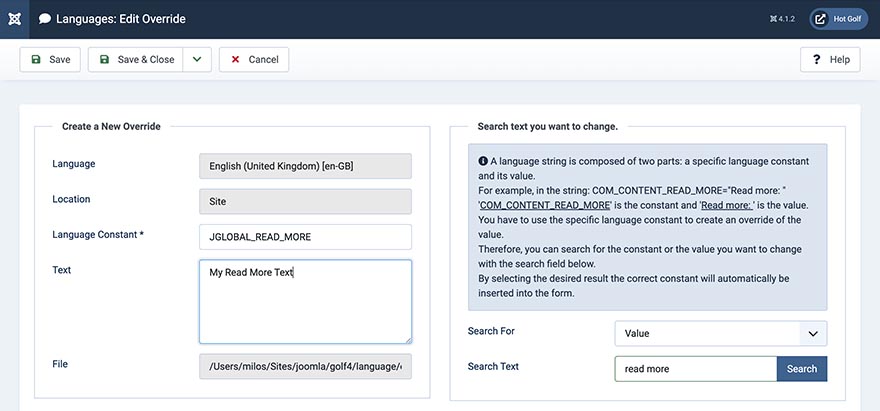
You can see "Read More ..." text in the links and buttons on almost all Joomla websites. Usually, it's on the home page, category pages, blog pages, and in some modules. It is defined in the language file and can be overridden by making a language override.
- Details
- Written by: Milos Stankovic
- Category: News & Tips
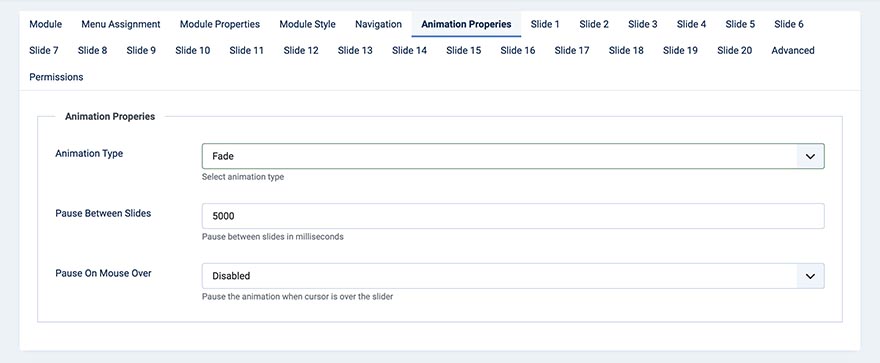
Hot Swipe Carousel is probably the most popular Joomla extension that we developed. It's used for slideshows usually in the most prominent places of our Joomla templates. As its name suggests, it rotates the slides from one side to another. However, after many users' requests, we added the fade animation option to this extension.
- Details
- Written by: Milos Stankovic
- Category: News & Tips

We have released the Sparky Framework v4.2.0. Let's explain what is new in this version and how you can update it for your website.
- Details
- Written by: Milos Stankovic
- Category: Joomla Template Tutorial
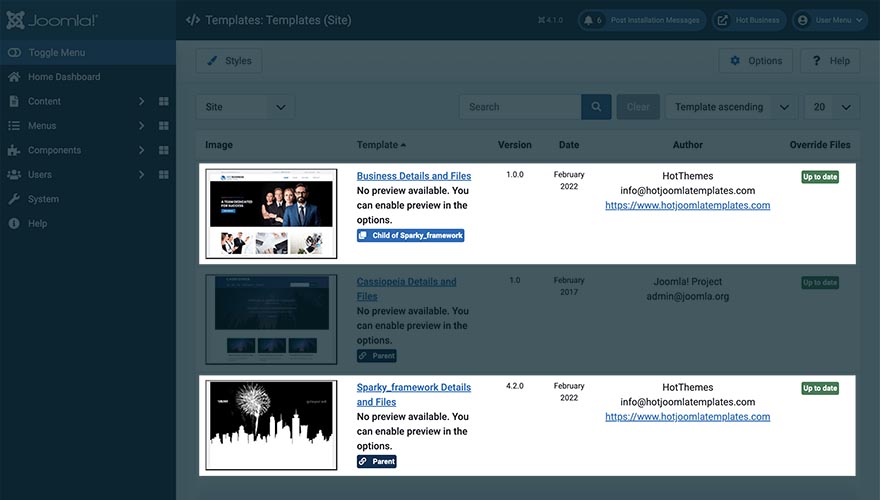
A feature that's available in WordPress for years finally came to Joomla. Since Joomla version 4.1.0, you can install and use Joomla child templates. In this article, we'll try to explain what are Joomla child templates and are the advantages of using them. Also, we'll explain why we decided to convert all our templates to child templates with the same parent template (Sparky Framework).
- Details
- Written by: Milos Stankovic
- Category: News & Tips
Joomla 4.1 has been released on February 15, 2022. We have already tested all our templates and extensions against the new Joomla version and confirmed that all Joomla 4.0 templates are fully compatible with Joomla 4.1.
- Details
- Written by: Milos Stankovic
- Category: Joomla Template Tutorial
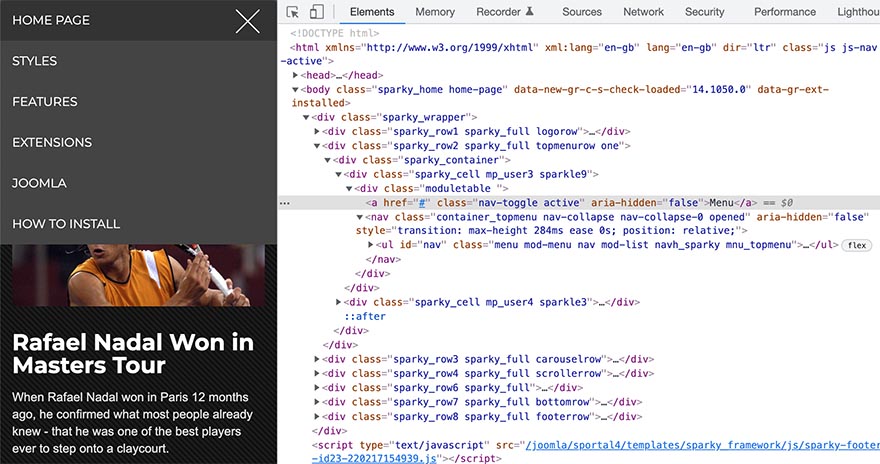
Our Joomla templates come with the menus that are optimized for mobile devices (responsive mobile menus). These kind of menus are also known as hamburger menus because they are converted to a "hamburger-like" icon on smartphones. This tutorial explains how to change the colors of the mobile menu.
- Details
- Written by: Milos Stankovic
- Category: Joomla Template Tutorial
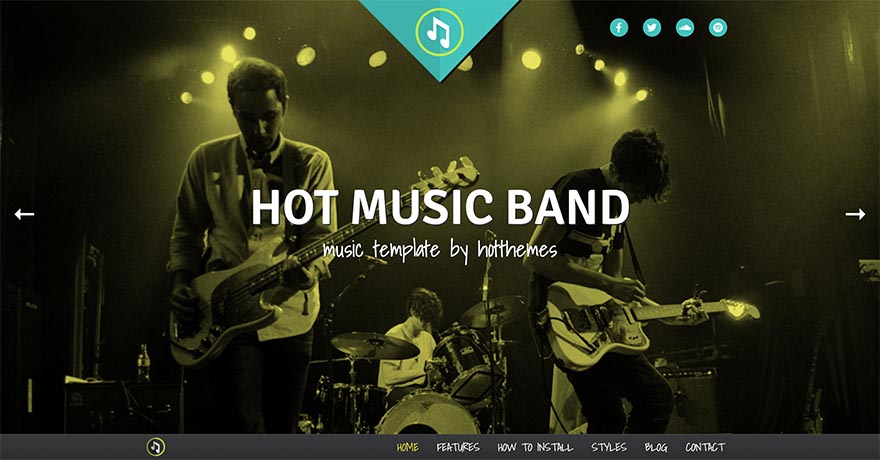
This tutorial explains how to use Hot Music Band template after HotStart installation. What you probably need to do after setting this template up onto your server is to change our demo content with your real site content. So, we will explain specifics of this template here in sections from the top to the bottom of the template's home page.
- Details
- Written by: Maria Baker
- Category: News & Tips

For companies, associations, and most other organizations, having their own website is as natural as having a business card. Anyone who cannot be found on the Internet is practically "non-existent" for many people, including potential customers.
- Details
- Written by: Carol Trehearn
- Category: News & Tips
If you're starting a new business or haven't yet embraced the digital revolution, it may be time to investigate ways to make business processes and procedures slicker and more manageable. However, with so much choice, how can you decide on the right software for your business needs?
Blog Categories
Recent Posts
- How to Build a Consistent Visual Style Across Social Platforms
- Effects Rotator and Counters Modules Updated
- Why You Shouldn't Just Translate Your Current Website When Expanding
- Key Considerations When Choosing Technology Services
- The Sparky Framework 6: Template Framework for Modern Joomla Sites
- Sparky Page Builder v1.4 Released with New Features
- Proof of Work Captcha Added to Joomla 6.1
- Enabling the Backward Compatibility Plugin on a Broken Joomla Website
- How to Upgrade from Joomla 5 to Joomla 6
- What's New in Joomla 6.0